 Hydra Vision Learn
Tool · Configure & Learn
Help guides: the whole manual.
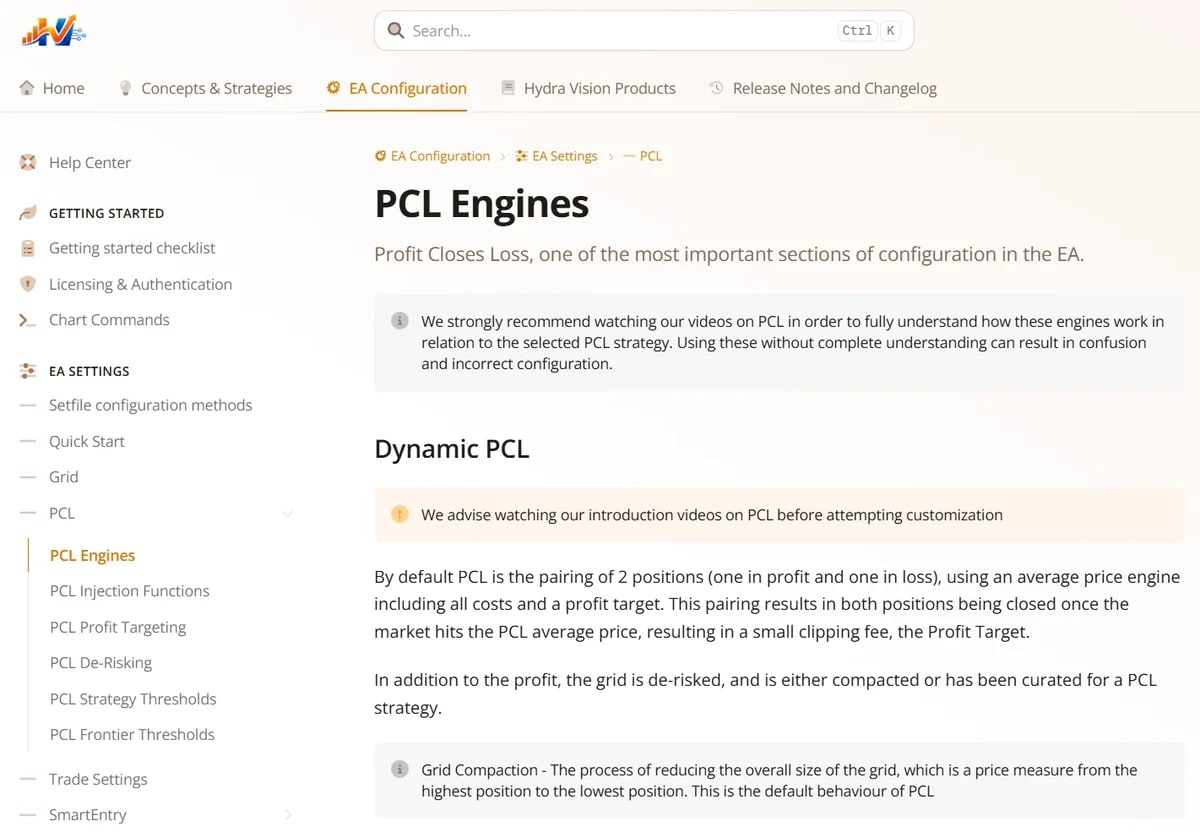
The help guides at help.hydravision.ai are the complete manual for Hydra Vision: how the engines work, what every setting does, and how to use each tool on the platform.
The problem it solves
A grid EA with more than 170 settings is hard to configure from input names alone. Without a reference, the temptation is to optimise blindly in the Strategy Tester until something looks good. The guides explain what each setting changes and why, so a configuration can be reasoned about.
What you see and do
The guides are in four parts:
- Concepts and strategies: PCL and its strategies, SmartEntry, GridSense, zones, market regimes, volume and risk management. Some topics have plain-English "Made Simple" guides.
- EA configuration: a getting-started checklist and every section of settings, with defaults and what each one changes.
- Platform tools: the Setfile Builder, Asset Profiler, Backtest Analysis, Replay, Live Analytics, Hydra Agent and more.
- Changelog: what changed in each EA, Hydra Agent and portal release.
Inside the Setfile Builder, settings link to their guide, so the explanation is one click from the input. The guides are also one of the sources the Hydra Assistant answers from.
Which plan includes it
The help guides are public and free to read, with or without an account. See the plans.
See it on a demo account. The trial is free for 14 days, with no credit card.
Start 14-day trial